
Based on upstream documentation. These steps have not been independently tested in the desktop app; menu labels and behavior may differ by release.
Step by step
Separate your content
Keep the background, shapes, and text on separate layers when possible. Name layers by their role so you can find the right one later. A flattened PNG does not contain editable source layers.
Make a selection
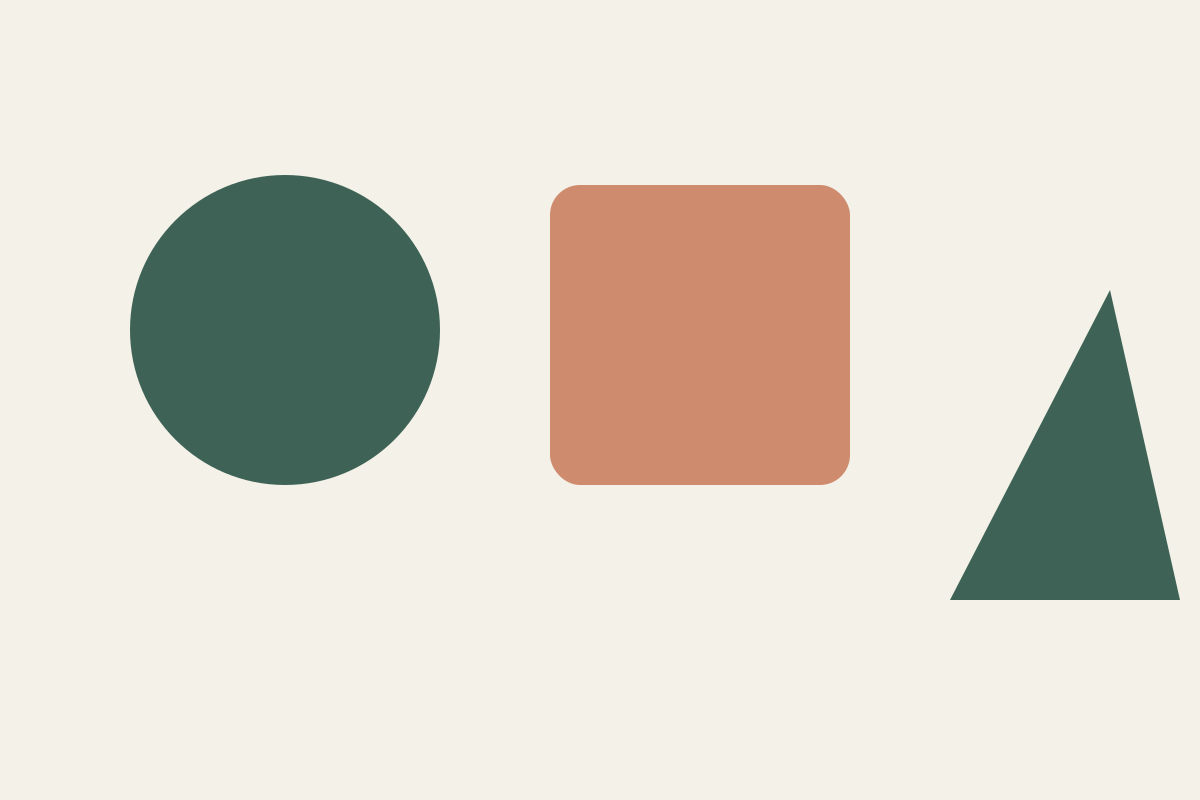
Use the Selection practice file. Try a rectangular or elliptical selection around a single shape. Inspect the active layer before continuing; the selection alone does not identify the layer you intend to edit.
Use a mask for visibility
Create a layer mask from the selection using the controls offered by your release. In a standard pixel mask, white reveals, black hides, and gray gives partial visibility. Paint on the mask, not the image pixels, when refining it.
Verify reversibility
Toggle the mask to compare before and after. Save a layered copy, reopen it, and verify that both the layer and mask still exist. Use a separate PNG for sharing.
Files for this workflow
Sources and further reading
PhotoCraft is in early alpha. Keep original files and test a copy before relying on it for important work.
Suggest a correction →